Elementor Pro Integration
info
Before integrating Alan-Captcha, make sure you have installed, enabled, and set up both the Elementor Pro and ALAN Captcha plugins.
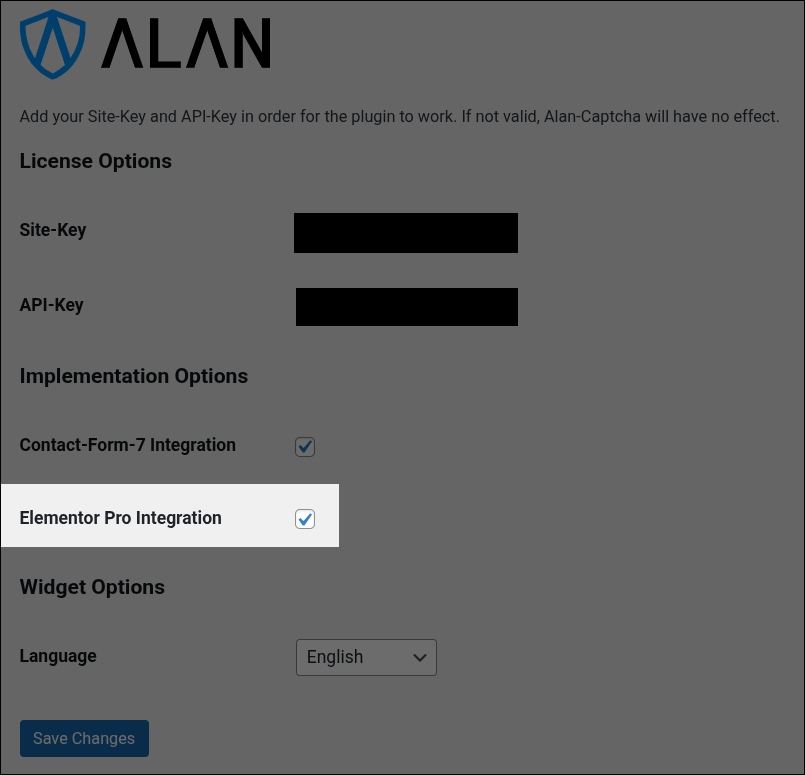
Enable the Elementor Pro integration in the ALAN Captcha Forms admin panel.
Select or create a page where you want to add Alan-Captcha, and choose Edit with Elementor.
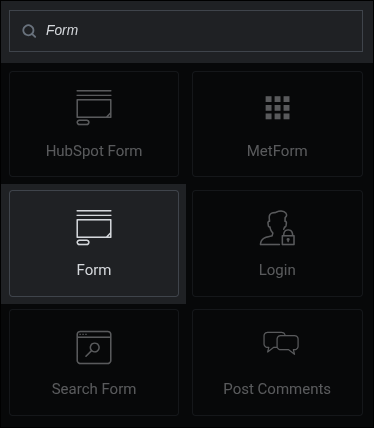
Place a Form element and customize it as desired.
note
The Form widget is only available for Elementor Pro users and must be used for Alan-Captcha to work properly.
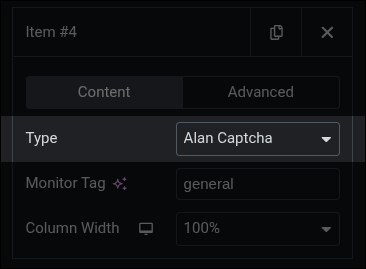
Finally, add an input field and select Alan Captcha in the Type field.
note
Alan-Captcha might not appear in the editor. Save your changes and preview the site.